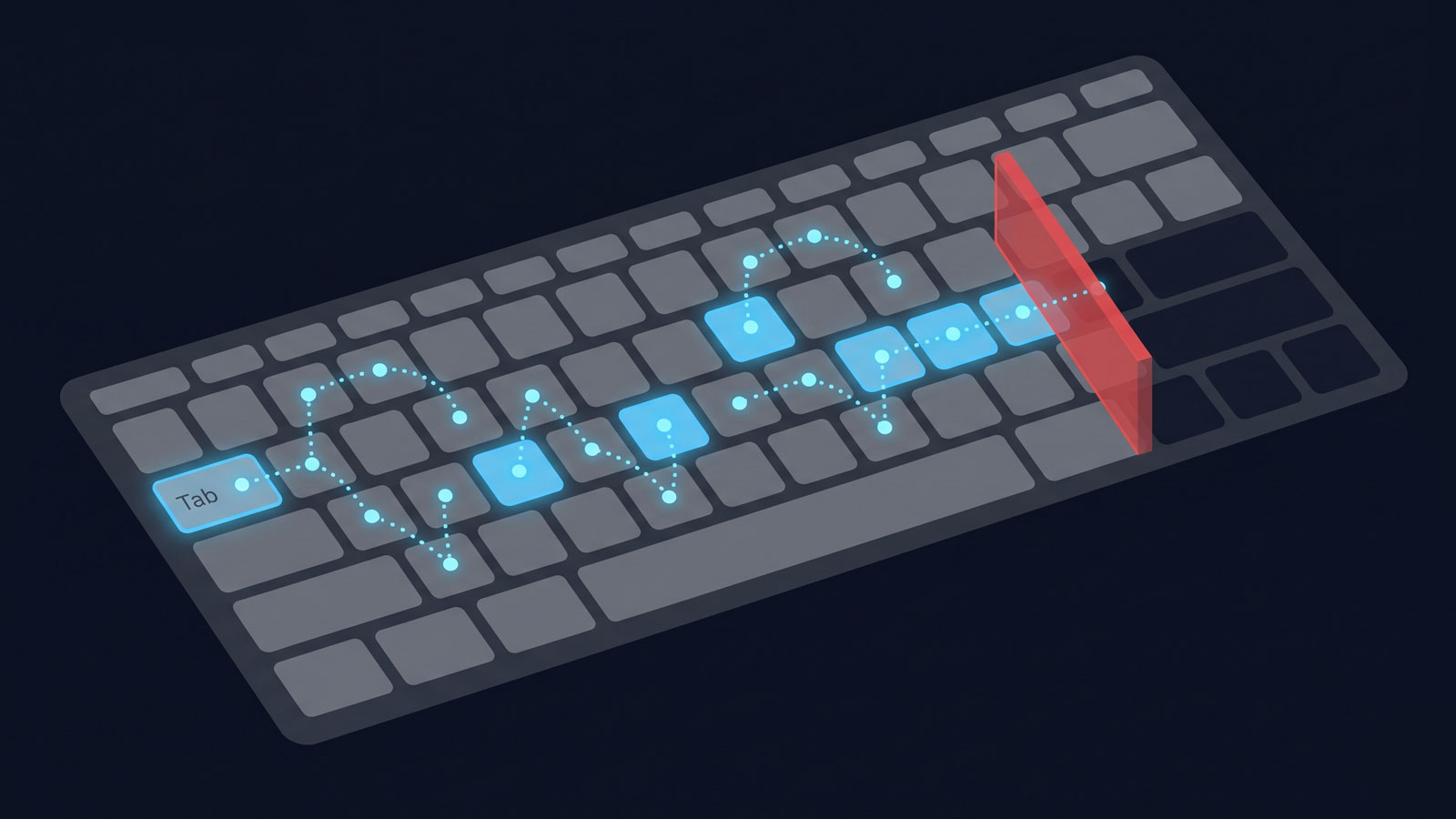
On 28 June 2025, the European Accessibility Act began enforcement across all 27 EU member states. If your B2B SaaS serves customers in the EU and you have more than 10 employees or €2 million in annual revenue, your application must now meet accessibility requirements for navigation — and the compliance threshold is not a Lighthouse score.
Navigation reachability in an EAA context means that every interactive element and feature in a digital service can be reached, operated, and perceived by users navigating exclusively by keyboard or assistive technology. A feature that works by mouse but cannot be reached by Tab key is a compliance failure under WCAG 2.1.1 (Keyboard).
What the EAA actually mandates for B2B SaaS
The EAA requires digital services sold to EU consumers to be accessible to people with disabilities. Any company with more than 10 employees or €2 million in revenue that serves EU customers must comply, with penalties up to €100,000 per violation or 4% of annual revenue depending on the member state.
The EAA (Directive 2019/882) requires that digital products and services sold to consumers in the EU are accessible to people with disabilities. The scope covers e-commerce, banking, telecommunications, transport, and — critically for software companies — any digital service offered to EU consumers. B2B SaaS with consumer-facing functionality, customer portals, or end-user-accessible interfaces falls within scope.
Microenterprises are exempt: businesses with fewer than 10 employees and annual turnover under €2 million. Everyone else must comply. The penalties are set by each member state and vary, but the directive requires them to be “effective, proportionate, and dissuasive.” Germany can impose fines up to €100,000 per violation; France up to 4% of annual revenue.
The technical standard underpinning compliance is EN 301 549, which references WCAG 2.1 Level AA. Most member states treat conformance with EN 301 549 as creating a “presumption of conformity” under the EAA — meaning if you pass WCAG 2.1 AA against EN 301 549, you are presumed compliant unless a specific complaint proves otherwise.
WCAG 2.2 Level AA: the criteria that are about navigation specifically
WCAG 2.2 introduces two criteria directly governing navigation reachability: 2.4.11 (Focus Not Obscured, Level AA) requires that focused elements are not hidden by overlapping content, and 2.4.12 (Focus Not Obscured Enhanced, Level AAA) requires that no part of a focused element is hidden.
While the EAA references WCAG 2.1, the latest version — WCAG 2.2, published as a W3C Recommendation on 5 October 2023 — introduces criteria directly relevant to navigation reachability. The two that matter most here are both new to 2.2:
2.4.11 Focus Not Obscured (Minimum) (Level AA): when a component receives keyboard focus, it must not be entirely hidden by other author-created content. Sticky headers, cookie banners, and non-modal dialogues are the usual culprits. If a keyboard user tabs to a control and cannot see it because a fixed element covers it, that is a compliance failure.
2.4.12 Focus Not Obscured (Enhanced) (Level AAA): no part of the focused component may be hidden. This is the aspirational target — full visibility of every focused element at all times.
These criteria matter because they are not about whether an element exists in the DOM. They are about whether a user navigating by keyboard can reach and see it. A feature that renders correctly but is obscured by a sticky footer when it receives focus is a compliance failure, even though the route responds and the HTML is valid.
Add to these the existing WCAG 2.1 criteria that govern keyboard navigation: 2.1.1 Keyboard (Level A), which requires all functionality to be operable through a keyboard interface; 2.4.3 Focus Order (Level A), which requires the focus sequence to be meaningful; and 2.4.7 Focus Visible (Level AA), which requires a visible focus indicator. Collectively, these criteria define a navigable keyboard path through your application that must reach every interactive element.
Why automated Lighthouse scoring is insufficient
Lighthouse runs automated DOM checks that catch missing alt text and colour contrast failures, but it does not reliably detect keyboard traps, focus order violations, or interactive elements hidden behind overlapping content. An application can score 90+ on Lighthouse while having entire features unreachable by keyboard.
The median Lighthouse accessibility score across the web reached 84% in 2024. This is a metric that has improved slowly and steadily over five years. It is also a metric that tells you almost nothing about whether a keyboard user can navigate your application.
Lighthouse runs axe-core checks against the DOM. It catches missing alt text, insufficient colour contrast, missing form labels, and ARIA misuse. These are real and important failures. But the categories that define navigation reachability — keyboard traps, focus order violations, focusable elements hidden behind overlapping content, interactive elements unreachable from any tab sequence — are not reliably detectable by automated scanning. WCAG 2.4.11 is noted as one of the only WCAG 2.2 criteria that can be fully tested by automation, but even that requires rendering the page and tabbing through every focusable element, which is a fundamentally different operation from a static DOM scan.
The gap is not theoretical. An application can score 90+ on Lighthouse while having entire features unreachable by keyboard. A modal that opens without trapping focus, a sidebar that never receives tab sequence inclusion, a dropdown that responds to mouse hover but not to keyboard — none of these will reliably appear in a Lighthouse report.
The navigation reachability gap in practice
The HTTP Archive Web Almanac 2024 provides the clearest picture of how the web’s navigation infrastructure actually looks:
Only 37% of pages use the native HTML <main> element. Including pages that use role="main", the figure rises to 43% — up from 35% in 2021, but still meaning that more than half the web lacks the most basic landmark for assistive technology navigation.
Approximately 24% of pages include skip links. Skip links are the mechanism by which keyboard users bypass repeated navigation blocks to reach the primary content. Three-quarters of the web does not provide one.
These are not niche best practices. They are the foundational structures that make keyboard and screen reader navigation functional. Without a <main> landmark, a screen reader user cannot jump to the content. Without a skip link, a keyboard user must tab through every navigation item on every page load. Without correct focus order, a keyboard user encounters elements in an unintelligible sequence. And without focus visibility, they cannot see where they are.
Mapping your navigation graph against EAA requirements
A practical audit starts with four steps:
Step 1 — Enumerate your keyboard-navigable paths. Starting from your application’s login page, tab through every screen using only the keyboard. Record which elements receive focus, in what order, and whether any interactive element is unreachable. This is not a Lighthouse scan — it is a manual traversal.
Step 2 — Test per persona. If your application has role-based access, the keyboard path differs per role. An admin may see a navigation sidebar with 12 items; a free-tier user may see 6. Each persona’s keyboard path must be independently audited. An admin-only audit provides no compliance assurance for non-admin personas.
Step 3 — Check focus visibility across viewport states. Tab through the application with a sticky header present, with a cookie banner open, with a notification toast active. At each state, verify that the focused element is not fully obscured (WCAG 2.4.11). If you are targeting AAA, verify that no part of it is obscured (2.4.12).
Step 4 — Document the results. The EAA requires service providers to publish an accessibility statement describing how the service meets accessibility requirements. This documentation is not optional. It must be written in the language of each EU member state where you provide the service, and it must be kept current.
The persona dimension: accessibility is a per-user-type obligation
This is where accessibility compliance intersects with navigation testing at the architectural level. Your application does not have one navigation graph. It has as many navigation graphs as it has distinct user roles, subscription tiers, and onboarding states. A keyboard audit performed as an admin user provides compliance assurance only for the admin persona.
Consider a B2B SaaS with three tiers: enterprise, professional, and free. The enterprise user sees a full sidebar with 15 navigation items. The professional user sees 12. The free user sees 8. If the free user’s sidebar omits the “Billing” link that appears for other tiers, the free user cannot reach the billing page by keyboard navigation — even if the route exists and responds correctly to a direct URL. Under WCAG 2.1.1 (Keyboard), all functionality must be operable via keyboard. If the link is missing, the function is not keyboard-operable for that user.
This is not a theoretical edge case. It is the most common pattern in multi-tier SaaS applications, and it maps directly to the failure class described in the five-minute route audit: features that exist in the codebase, work when accessed directly, but are absent from the navigation path for specific user types. Building persona-aware test fixtures that authenticate as each user type is the practical mechanism for catching these gaps before they become compliance failures.
What a compliant navigation test looks like vs typical CI
A typical CI pipeline runs Lighthouse or axe-core against a rendered page. The test checks for DOM violations: missing labels, insufficient contrast, improper ARIA usage. This is valuable but structurally incomplete for navigation reachability.
A compliant navigation test adds three dimensions:
Keyboard traversal. For each critical route, an automated test starts at the page entry point and tabs through every focusable element, asserting that the expected interactive elements are reachable in the expected order. Playwright’s keyboard API (page.keyboard.press('Tab')) makes this scriptable.
Persona variation. The keyboard traversal runs for each persona that sees a different navigation graph. The test asserts that persona-specific elements are present and focusable — or, if intentionally restricted, that the restriction is documented as an expected gap.
Viewport-state coverage. The test verifies focus visibility across the states users actually encounter: with the cookie banner open, with notification toasts active, at mobile viewport widths where navigation collapses into a hamburger menu. Each state must independently meet 2.4.11.
This is more work than a Lighthouse scan. It is also the only approach that verifies what the EAA actually requires: that users with disabilities can navigate your application through its interface, not just that the HTML is semantically correct.
Prioritising remediation: legal risk vs user impact
When the audit surfaces gaps — and it will — the prioritisation framework is straightforward:
Immediate (legal exposure). Any failure of WCAG 2.1.1 (Keyboard) or 2.4.3 (Focus Order) for core application flows. These are Level A criteria: the absolute baseline. If a user cannot reach a feature by keyboard, that is a compliance failure with no qualification.
High (revenue and access). Failures of 2.4.7 (Focus Visible) and 2.4.11 (Focus Not Obscured) for conversion-critical paths: signup, billing, settings, primary feature access. These are Level AA: the standard the EAA presumes conformity against.
Medium (completeness). Failures in secondary flows, help pages, settings sub-pages, and archival features. Still required for compliance, but lower legal risk if core flows are addressed first.
Documentation. Any intentional restriction — features legitimately unavailable to specific personas — should be documented in the accessibility statement. The EAA does not require every feature to be available to every user. It requires that unavailability is not caused by an accessibility barrier.
The EAA turned navigation reachability from a quality aspiration into a legal obligation. For engineering teams, the shift is not primarily about new technology — the keyboard, the tab key, and the focus indicator have existed for decades. The shift is in what you measure. Code coverage tells you which lines executed. Lighthouse tells you which DOM rules passed. Neither tells you whether a user navigating by keyboard can reach the feature you shipped last sprint. That question now has legal consequences across 27 countries. Answering it requires testing your application the way your users navigate it: one tab press at a time, across every persona, in every viewport state.
Frequently asked questions
When did the European Accessibility Act come into force? The EAA (Directive 2019/882) became enforceable on 28 June 2025 across all 27 EU member states. New products and services placed on the market from that date must comply. Existing products and services have until 28 June 2030.
Does the EAA apply to B2B SaaS companies? If your SaaS serves end users in the EU and you have more than 10 employees or €2 million in annual turnover, the EAA applies. Microenterprises (under both thresholds) are exempt from service-related requirements. The EAA also applies to companies based outside the EU that provide services to EU consumers.
What WCAG criteria govern keyboard navigation reachability? The core criteria are WCAG 2.1.1 (Keyboard, Level A) requiring all functionality to be operable via keyboard, 2.4.3 (Focus Order, Level A) requiring a meaningful focus sequence, 2.4.7 (Focus Visible, Level AA) requiring a visible focus indicator, and 2.4.11 (Focus Not Obscured, Level AA, new in WCAG 2.2) requiring that focused elements are not hidden by other content.
Is a passing Lighthouse score sufficient for EAA compliance? No. Lighthouse runs automated DOM checks that catch missing alt text, colour contrast failures, and ARIA misuse, but it does not reliably detect keyboard traps, focus order violations, or interactive elements hidden behind overlapping content. EAA compliance for navigation reachability requires manual or scripted keyboard traversal testing.